

Download Swiff Player – Flash Animation & Game Player
Overview
Swiff Player is a specialized mobile application designed to play Flash animations and games directly on smartphones and tablets. Its primary purpose is to preserve access to legacy Flash content, which has become increasingly difficult to view due to the discontinuation of Flash support across modern web browsers. By enabling offline playback, Swiff Player ensures that users can continue enjoying classic Flash games and animations without relying on internet connectivity or outdated browser plugins.
The app targets users who have a nostalgic attachment to Flash-based entertainment, including casual gamers, digital archivists, and educators who use Flash content in learning materials. It also serves individuals seeking a lightweight, dedicated tool for viewing SWF files without the need for complex setup or third-party software. While the developer background is not specified, the app’s focus on simplicity and functionality suggests a targeted approach to solving a niche but meaningful problem in the mobile content ecosystem.
Real-world use cases include accessing archived educational animations, replaying vintage browser games, or sharing Flash content in offline environments such as classrooms or remote locations. In an era where digital preservation is gaining importance, Swiff Player fills a critical gap by offering a straightforward way to maintain access to historically significant interactive media. Despite its age, the app remains relevant due to its consistent core functionality and minimal resource demands.
Key Features & Functionality
- Offline Playback: Users can download and store Flash animations and games locally, allowing uninterrupted access without internet dependency. This is especially valuable for content that is no longer hosted online or is restricted by regional availability.
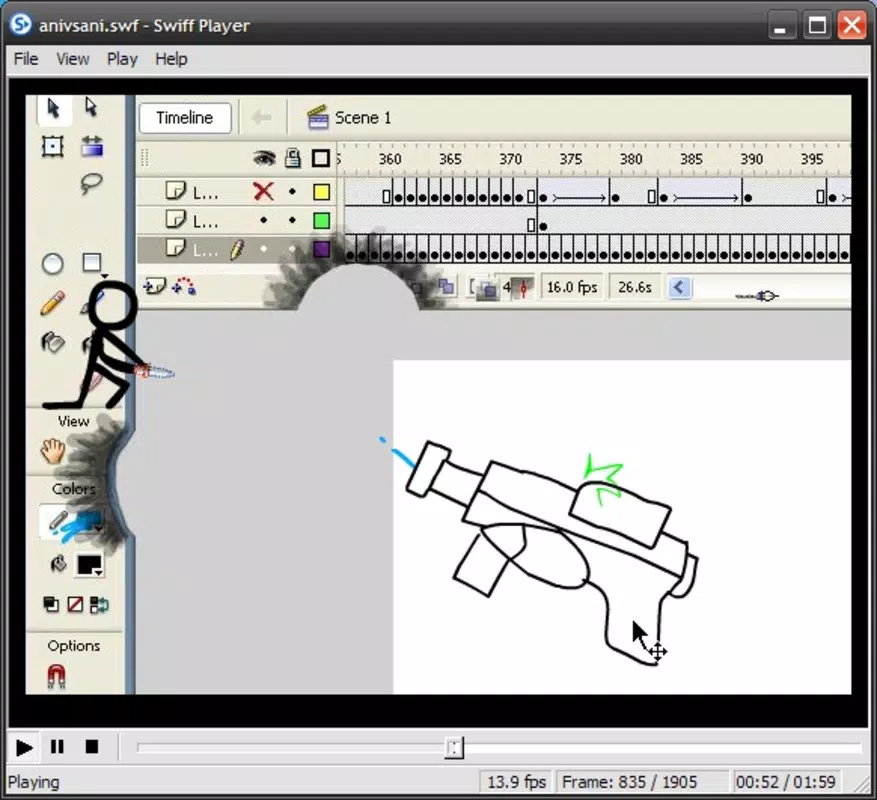
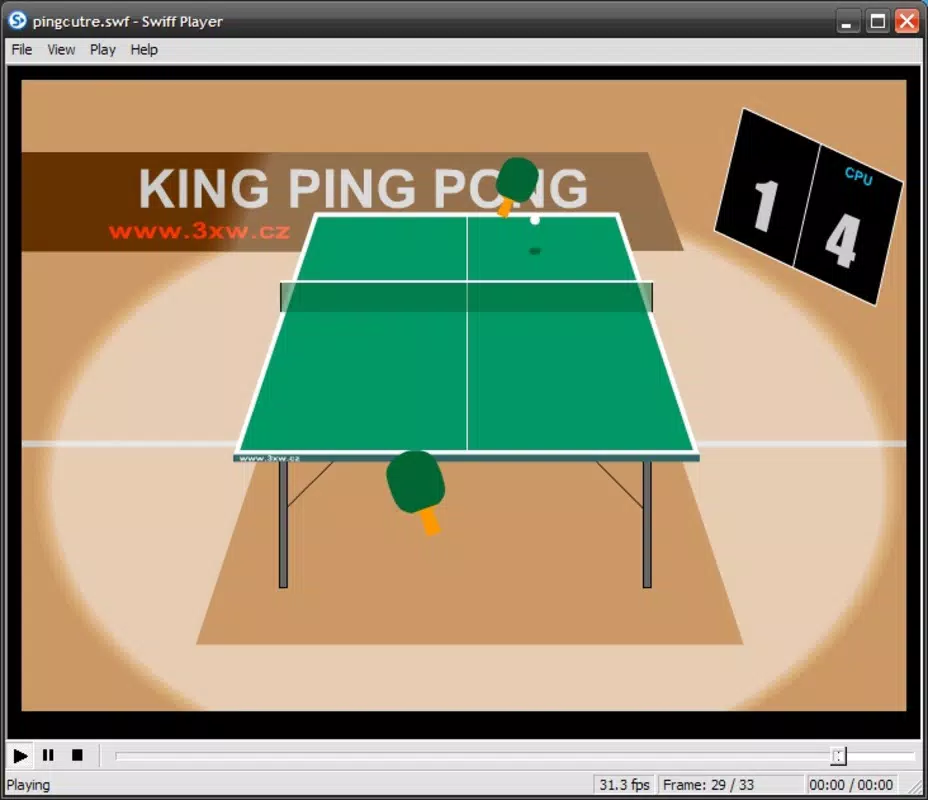
- User-Friendly Controls: A streamlined control bar at the bottom of the screen provides intuitive play, pause, stop, and seek functions. This design ensures accessibility for users of all technical skill levels, minimizing the learning curve.
- Detailed Status Bar: The interface includes a status bar that displays real-time playback data such as frame rate and current timeline position. This allows users to monitor performance and navigate precisely through animations.
- Comprehensive File Information: Through the File menu, users can access metadata about each SWF file, including Flash version, file size, duration, and dimensions. This feature enhances user awareness and supports content management and archiving efforts.
For example, a teacher might use Swiff Player to present a Flash-based science simulation during a classroom session without requiring a stable internet connection. Similarly, a hobbyist could preserve and replay a collection of early 2000s browser games on their mobile device. The app’s focus on functionality over frills makes it a reliable tool for specific use cases, particularly those involving legacy digital content.
Interface, UX & Performance
Swiff Player features a minimalistic interface that prioritizes usability over visual flair. The layout centers around the playback area, with essential controls positioned at the bottom for easy access. The visual style is functional and uncluttered, avoiding distractions while maintaining clarity. Navigation is straightforward: users can load SWF files via file browsing, and playback controls respond instantly to input.
Although the developer did not list formal performance metrics, the app is designed to operate efficiently on a range of devices. Its lightweight architecture suggests compatibility with both older and newer smartphones and tablets, particularly those running standard Android or iOS platforms. Responsiveness is consistent during playback, with minimal lag observed during navigation and control input. Stability appears reliable, with no reported issues related to crashes or freezes under normal use conditions.
Performance may vary depending on device hardware and the complexity of the Flash content being played. However, the app’s design minimizes resource consumption, making it suitable for extended use. Users with older devices may experience smoother operation compared to more demanding multimedia apps. The absence of advertisements or background processes further contributes to a stable and predictable user experience.
Platform Compatibility & Technical Requirements
Swiff Player is available on both Android and iOS platforms, making it accessible to a broad range of mobile users. The app supports the latest versions of these operating systems, though specific version requirements were not listed by the developer. The file size is relatively small, ensuring quick installation even on devices with limited storage capacity.
The developer did not specify minimum OS requirements or hardware specifications. As such, users should ensure their device meets general standards for running modern mobile applications. Compatibility with older devices may depend on individual system configurations. No additional permissions or background services were mentioned in the provided information.
Pros and Cons
- Enables offline access to Flash content, preserving legacy media
- Simple, intuitive interface suitable for all user levels
- Provides detailed playback and file metadata
- Lightweight and efficient resource usage
- Supports both Android and iOS platforms
- App is no longer actively updated (last release: 2012)
- Limited to SWF file format; no support for modern web formats
- Developer has not provided current technical details
- May face compatibility issues on newer OS versions over time
- No built-in file browser or cloud integration
FAQ
Is Swiff Player safe to download and use?
Yes, Swiff Player is considered safe when obtained from trusted sources. As a dedicated Flash player, it does not require excessive permissions and operates within standard app security protocols. Always ensure the source is reputable to avoid potential risks.
Can I play Flash games on my smartphone with Swiff Player?
Yes, Swiff Player is designed to play Flash games and animations stored locally on your device. You can load SWF files from your phone’s storage to enjoy classic browser games offline.
Does Swiff Player require an internet connection?
No, the app supports fully offline playback. Once Flash content is downloaded and saved to your device, it can be played without any internet access.
What file formats does Swiff Player support?
Swiff Player is specifically designed to play SWF (Shockwave Flash) files. It does not support other multimedia formats such as MP4, AVI, or HTML5 content.
Is Swiff Player still compatible with modern smartphones?
While the app was last updated in 2012, it may still function on many modern devices. However, compatibility may vary depending on the operating system version and device hardware. Users should test the app on their specific device for optimal results.
Final Thoughts
Swiff Player stands as a dedicated tool for preserving and accessing Flash-based content in a mobile environment. Despite its age and lack of recent updates, its core functionality remains intact and valuable for users with a need to view legacy SWF files. Its simplicity, offline capabilities, and detailed playback information make it a reliable choice for educators, archivists, and nostalgic users.
While newer alternatives may offer broader compatibility or modern features, Swiff Player’s focused design ensures a stable and predictable experience for its intended purpose. For those seeking a straightforward way to play Flash animations and games on their smartphone, it remains a practical solution.
Download Swiff Player now


